


Contents:
If Microsoft Defender quarantines BrowserModifier:Win32/MediaArena on one of your endpoints, the alert reads like a win.
Our SOC data says treat it as a live persistence incident instead.
In the case we timed, the payload finished writing its persistence 21 seconds into execution. Quarantine didn’t complete until 29 seconds. By the time the alert fired, the persistence was already on disk.
We’ve seen this same adware cluster across more than 40 client environments in recent days. It’s the malvertising campaign that hides behind free “AI tool” lures, and it’s already been documented.
Compass Apex Security wrote it up in April, and the indicators have sat in public sandboxes since March. We’re adding what our own SOC can see. How fast it establishes persistence, and how widely.
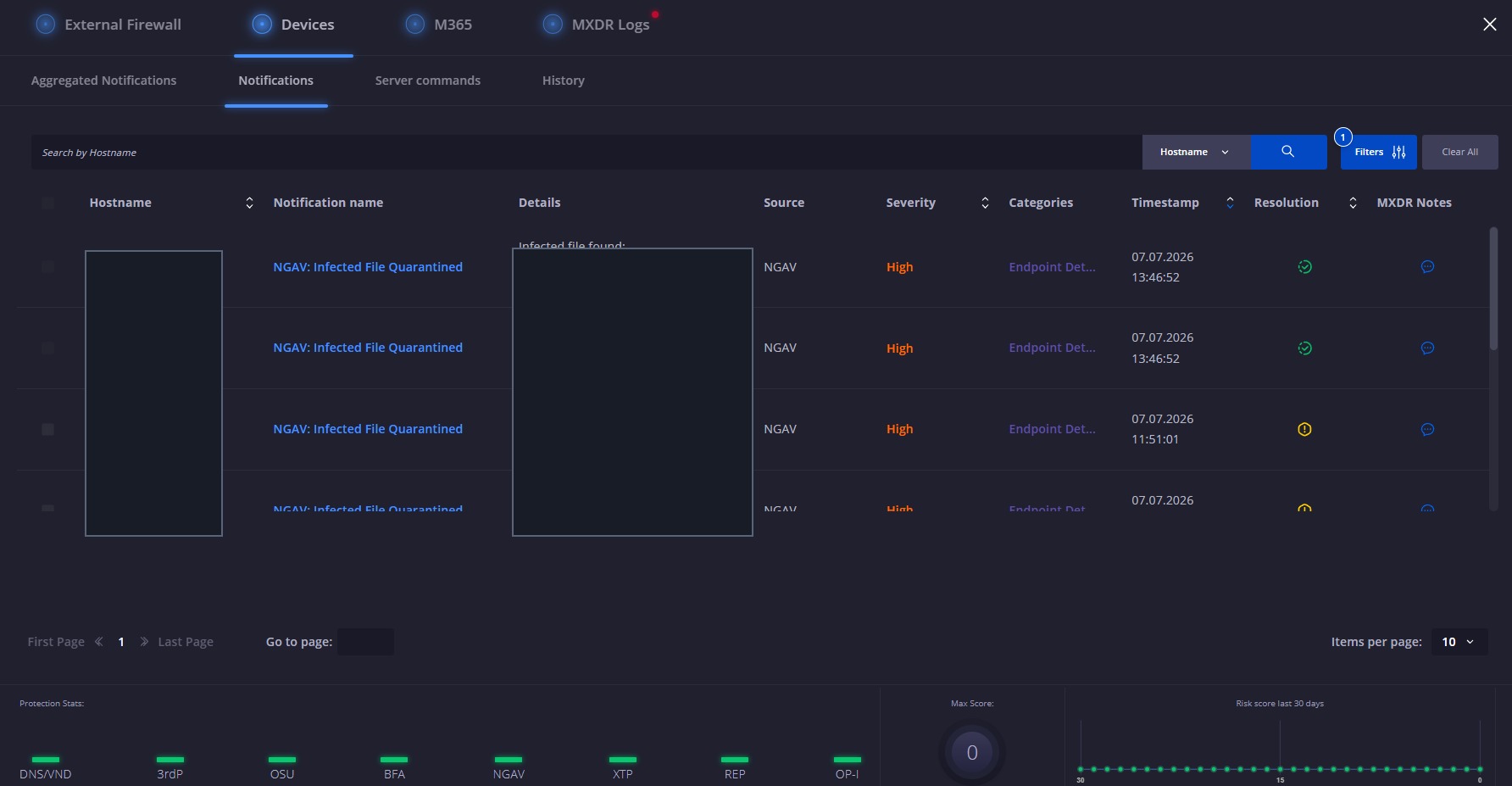
A sample of affected hosts. The same detection landed across more than 40 client environments in days. Hostnames and paths redacted.
Microsoft classifies MediaArena as a browser-modifier potentially unwanted application and has tracked it in its threat encyclopedia since 2023. It reconfigures browser settings, hijacks search, and harvests queries to sell on. It’s a nuisance, not a nation-state loader.
That’s the point.
Even a low-severity detection can leave persistence behind, so a closed alert and a clean endpoint aren’t the same thing.
The delivery is a fake free-app lure, currently themed as recipe and meal-planning tools, served through paid search ads.
The brand names rotate, and the domains rotate with them, so any single indicator has a short shelf life. That’s why detection built on brand strings ages out fast, and why the behaviour and the persistence artefacts are the signals worth hunting on.
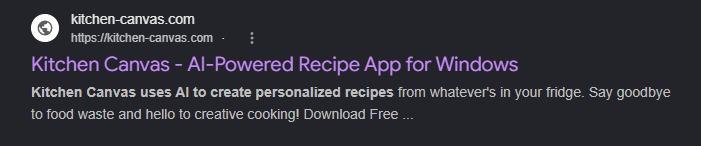
The lure surfaces through paid search.

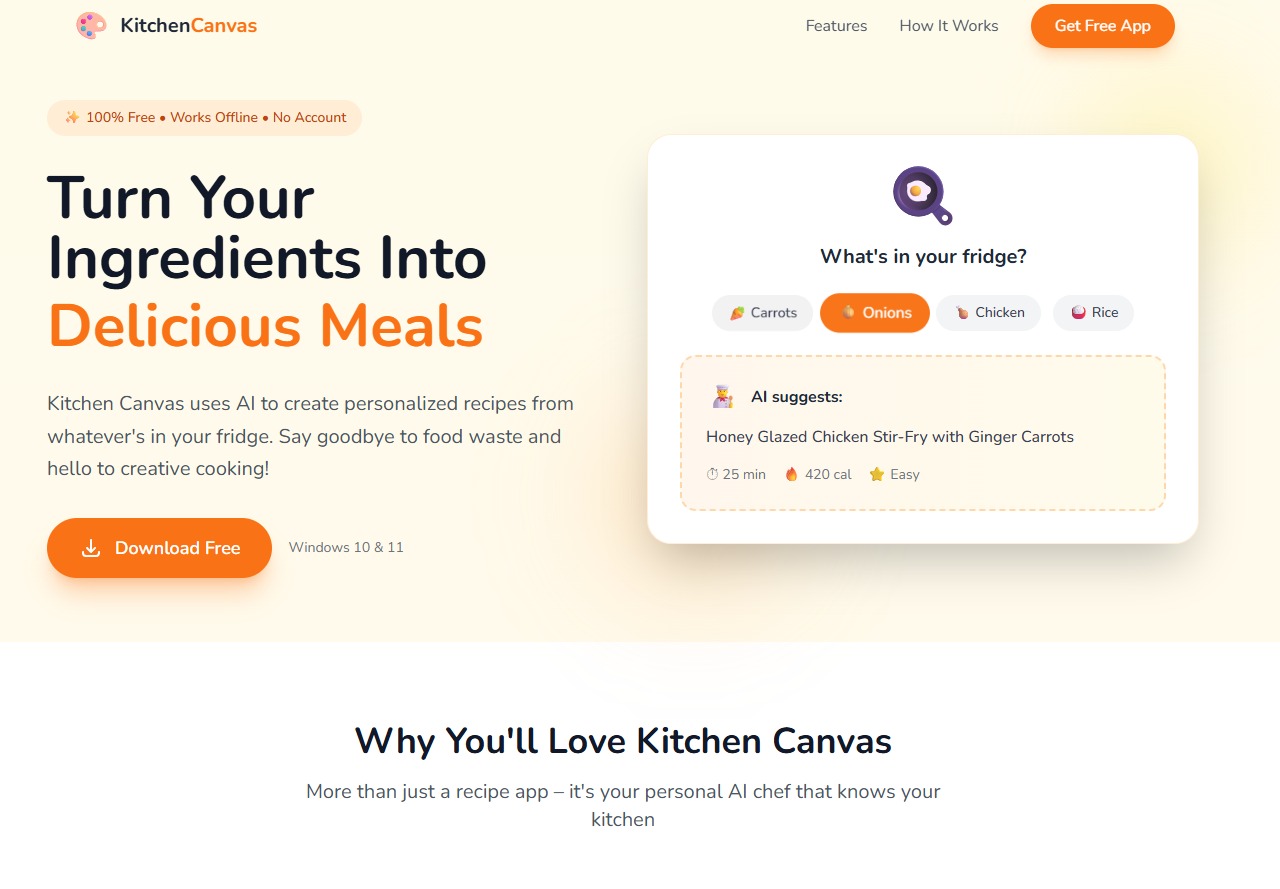
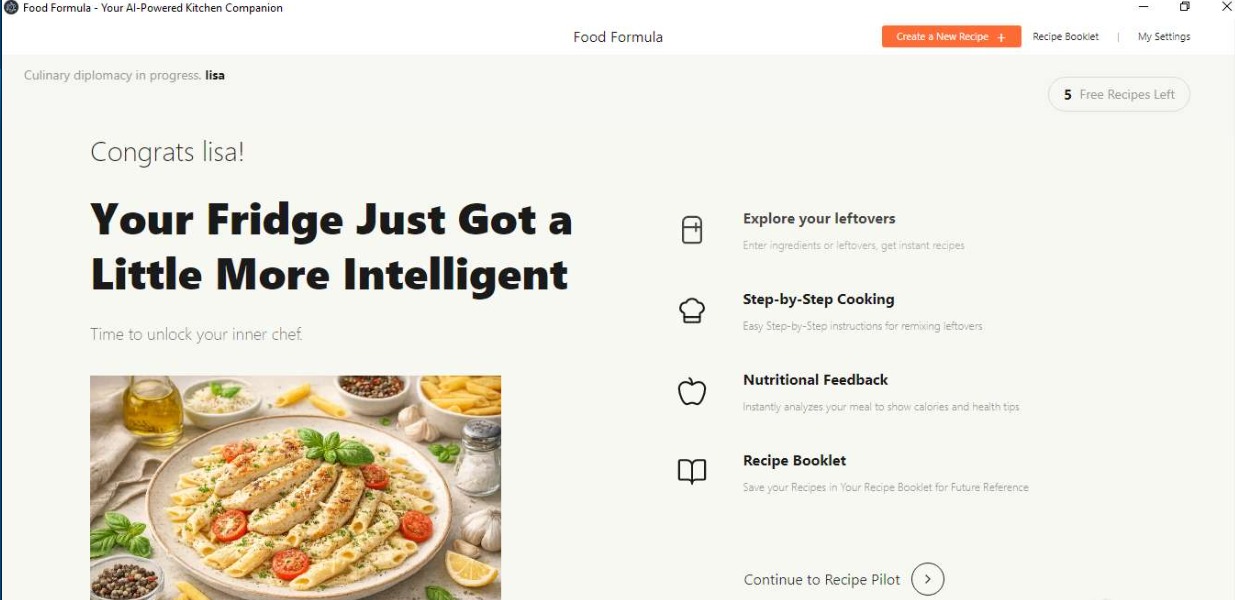
Three of the rotating lure brands, GiveMeRecipe, KitchenCanvas, and FoodFormula, all fronting the same math.dll toolkit.
What actually happens on the endpoint
The installer needs no admin rights. In our confirmed case it wrote to AppData, dropped a Start Menu shortcut, added an HKCU Uninstall key to pass as a legitimate app, and left a Startup folder shortcut for boot persistence.
All of it landed before quarantine completed. Signature detection took roughly 78 days to catch up. That’s a long window for a browser hijacker to sit and run.
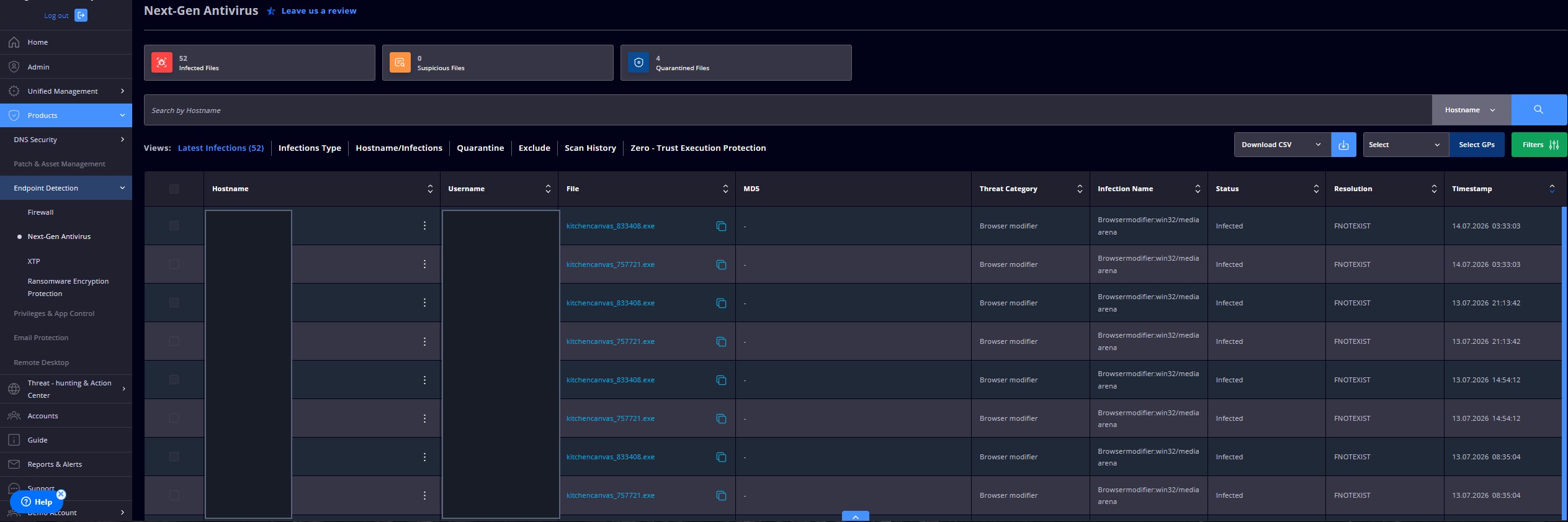
Our console. The branded installers flagged as BrowserModifier:Win32/MediaArena on an affected host. Hostname and username redacted.
The alert told us the file was caught. It didn’t tell us nothing had run first, and on these detections something always had. That’s why I treat a quarantine on this family as the start of the investigation, not the end of it.
What to hunt for after a MediaArena hit
Don’t close the alert on quarantine alone. Check the affected host for:
- A Startup folder shortcut tied to the app name.
- An HKCU Uninstall registry key mimicking a legitimate install.
Note the loader, math.dll, is injected in memory rather than dropped to disk, so hunt the persistence artefacts above rather than the file itself.
If either artefact is present, treat the host as still compromised and remediate the persistence directly.
Indicators
Credit to Compass Apex Security and public sandbox reporting for the campaign work. Indicators confirmed live at the time of writing. The infrastructure rotates, so revalidate before acting.
- Lure domains: kitchen-canvas.com, givemerecipe.com (both still flagged malicious across public sandboxes)
- Payload hosting: d3pth7js01bstg.cloudfront.net (AWS CloudFront)
- Loader: math.dll (in-memory)
- Detection: BrowserModifier:Win32/MediaArena
- Hashes: GiveMeRecipe.exe SHA256 3c1dbc3f…eccc, MD5 273FD232…7CEC; FoodFormula.exe SHA256 b179bec7…fb53; KitchenCanvas.exe MD5 d749e0f8…4121 [KitchenCanvas SHA256 pending, see production note]


