Email Security - Inbound and Outbound Setup
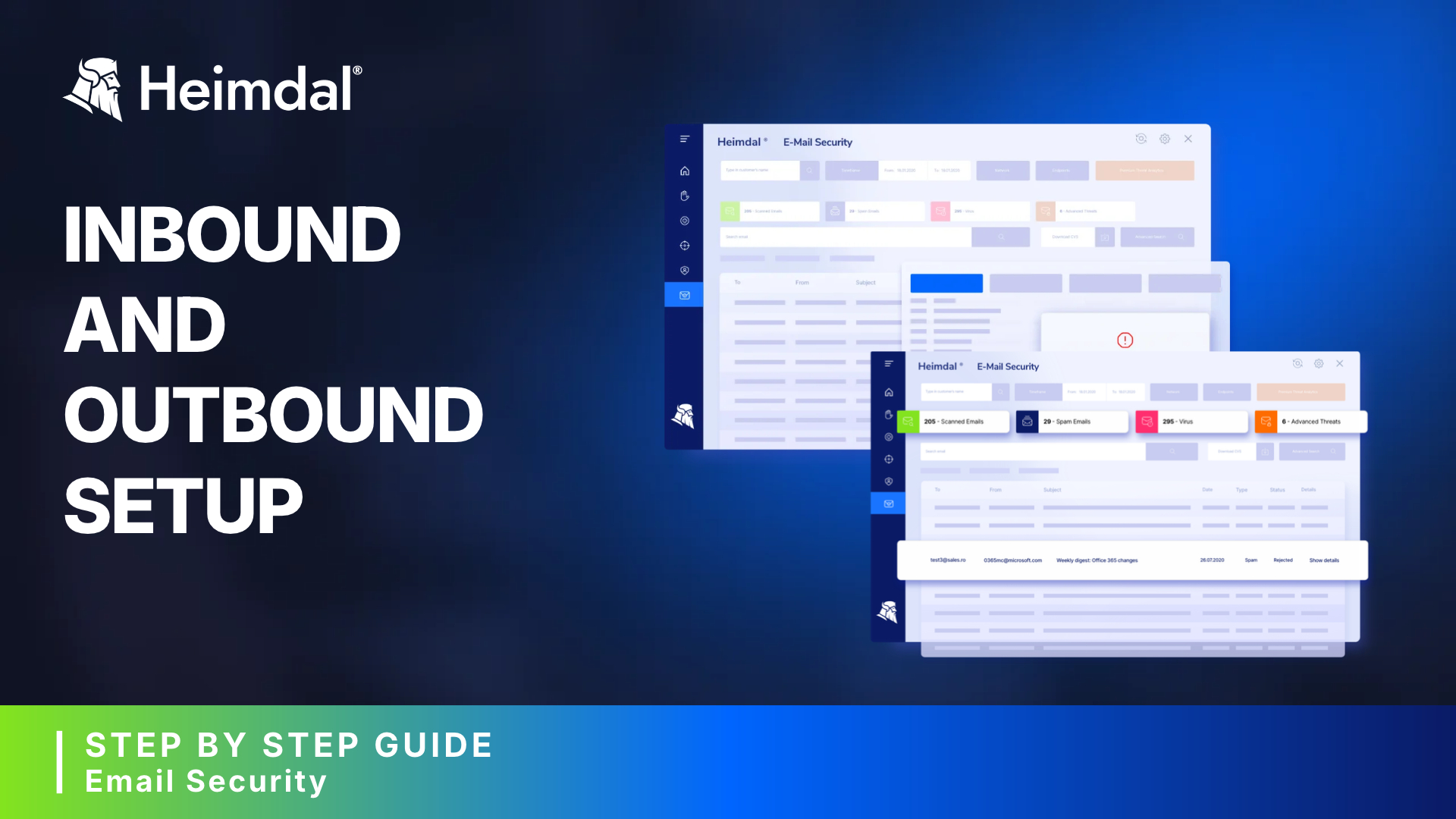
Learn how to properly set up email security, step-by-step, by changing your domains and MX records and by adding inbound and outbound connectors in the Heimdal dashboard.
Watch product demos to see how Heimdal protects your organization in real time.
Learn how to properly set up email security, step-by-step, by changing your domains and MX records and by adding inbound and outbound connectors in the Heimdal dashboard.
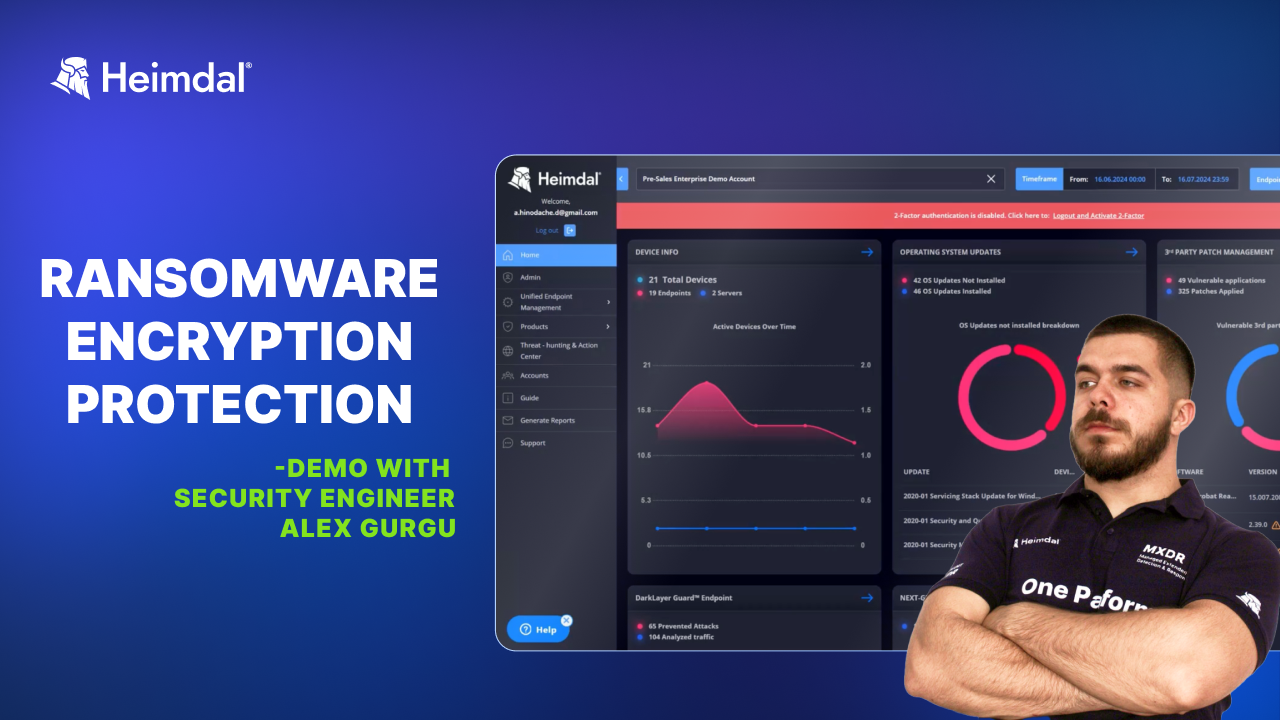
Learn how to use Heimdal’s Ransomware Encryption Protection to detect and block malicious encryption. View detailed process trees to trace activity, analyze read/write operations, check if the process is malicious, and gain forensic insights to understand encryption behavior on your endpoints.
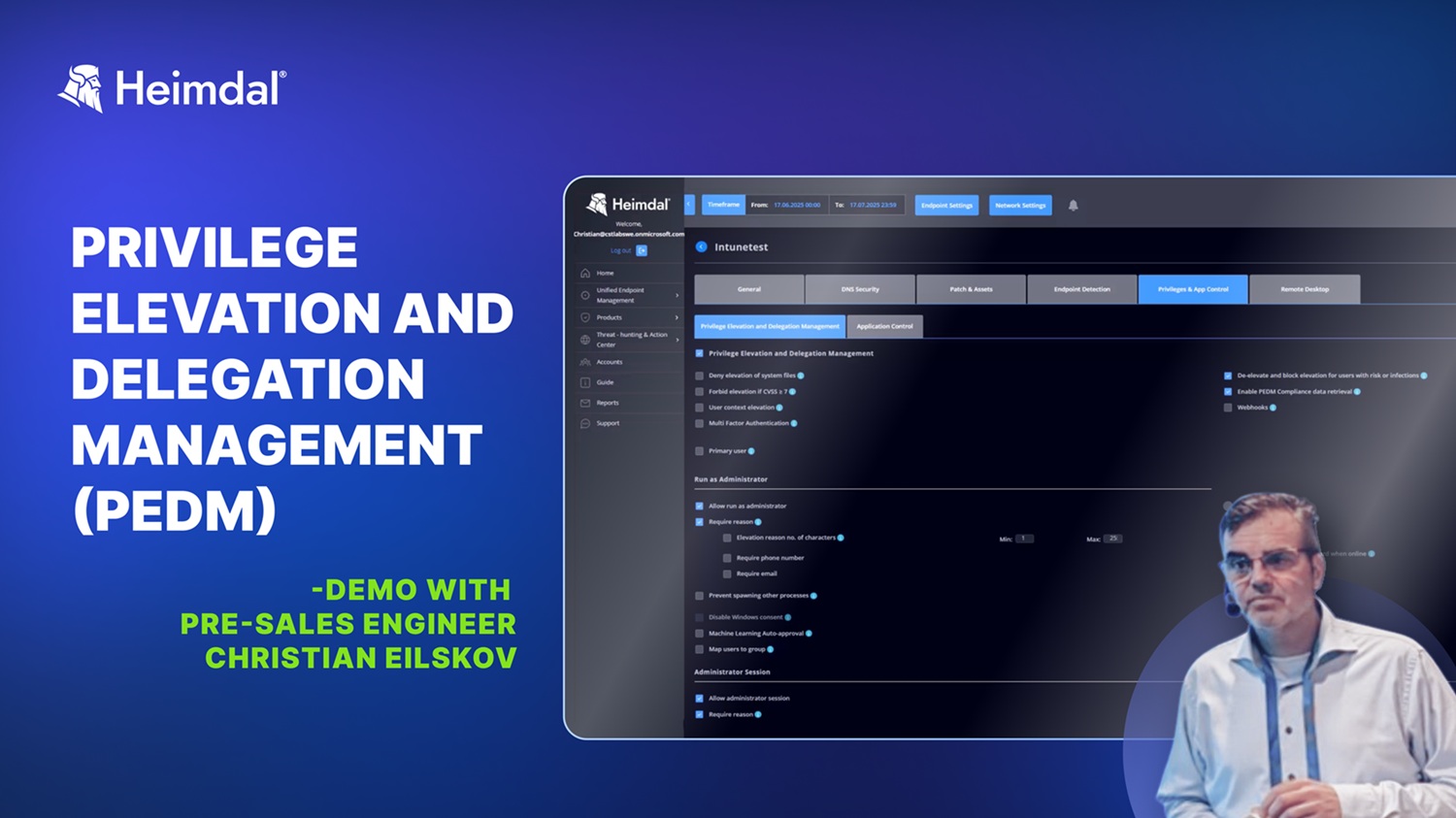
Pre-Sales Engineer Christian Eilskov walks you through some of our PEDM’s features and capabilities: persistent admin rights removal, user and file elevation management, escalation period control, Zero-Trust execution protection, advanced ML auto-approval, reporting, etc.
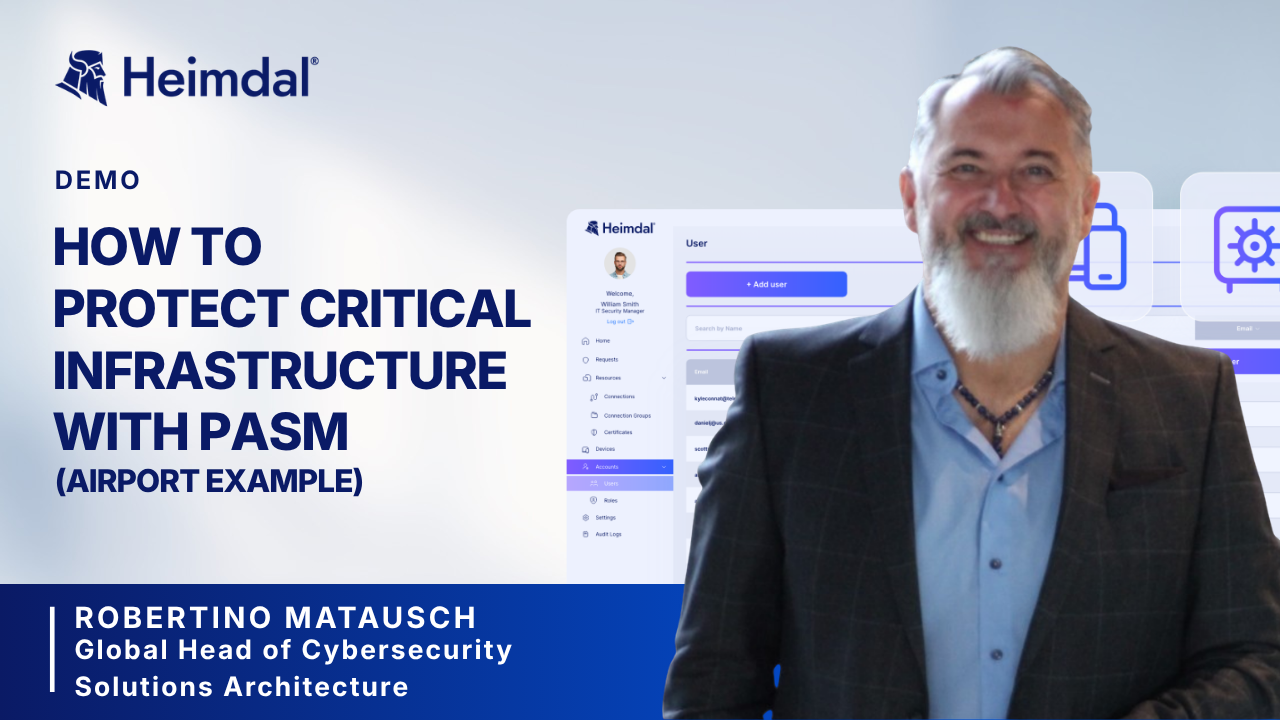
How do you protect access to routers of critical infrastructure, like Munchen’s airport? This is one of the questions that Robertino Matausch answers during the demo. He also explains how to use PASM to protect passwords and connections in case of a supply chain attack.
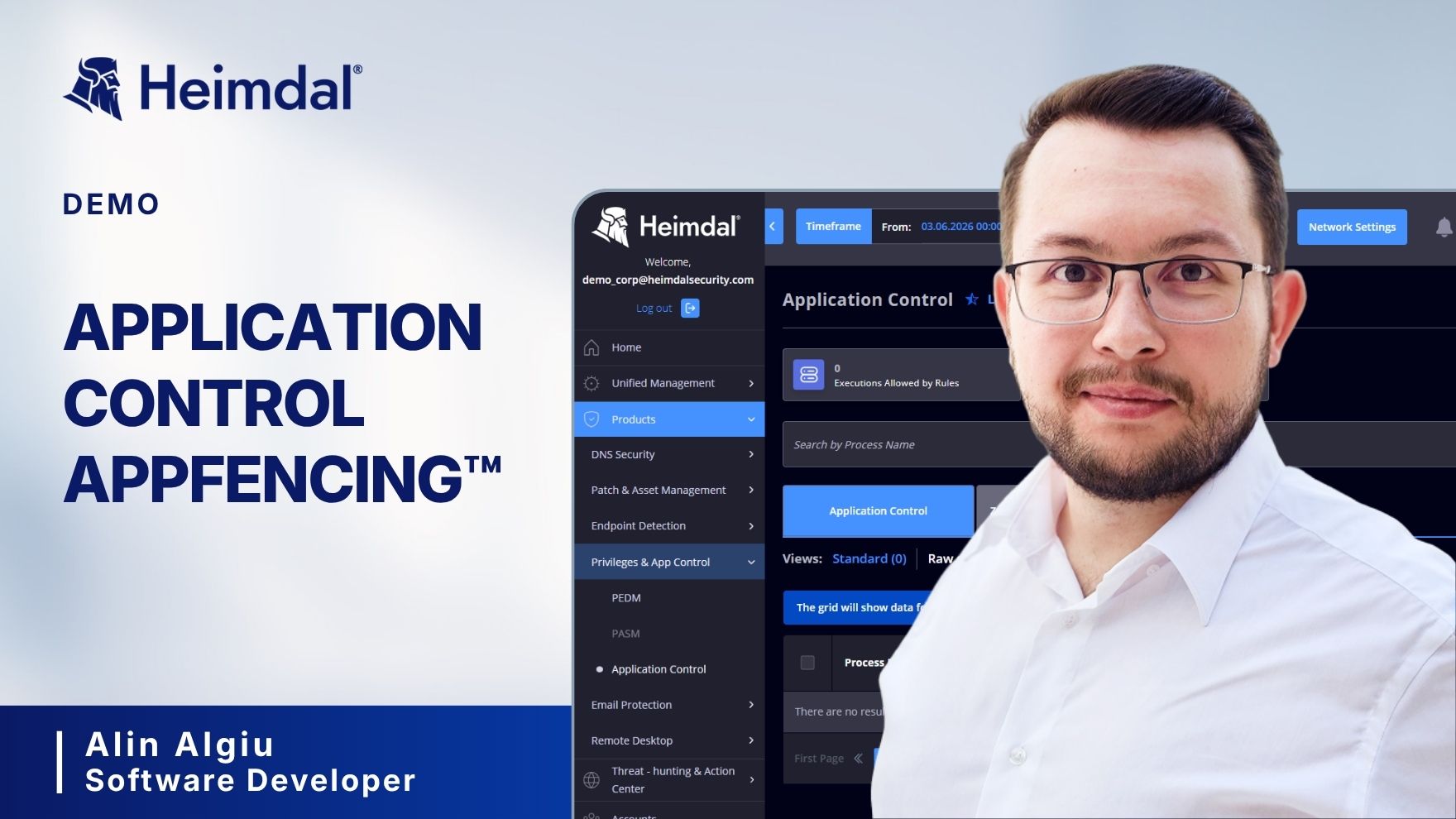
AppFencing™ is the game-changing add-on that redefines application control and endpoint security, protecting against supply chain attacks, data leaks, and even advanced threats like the Rubber Ducky attack.
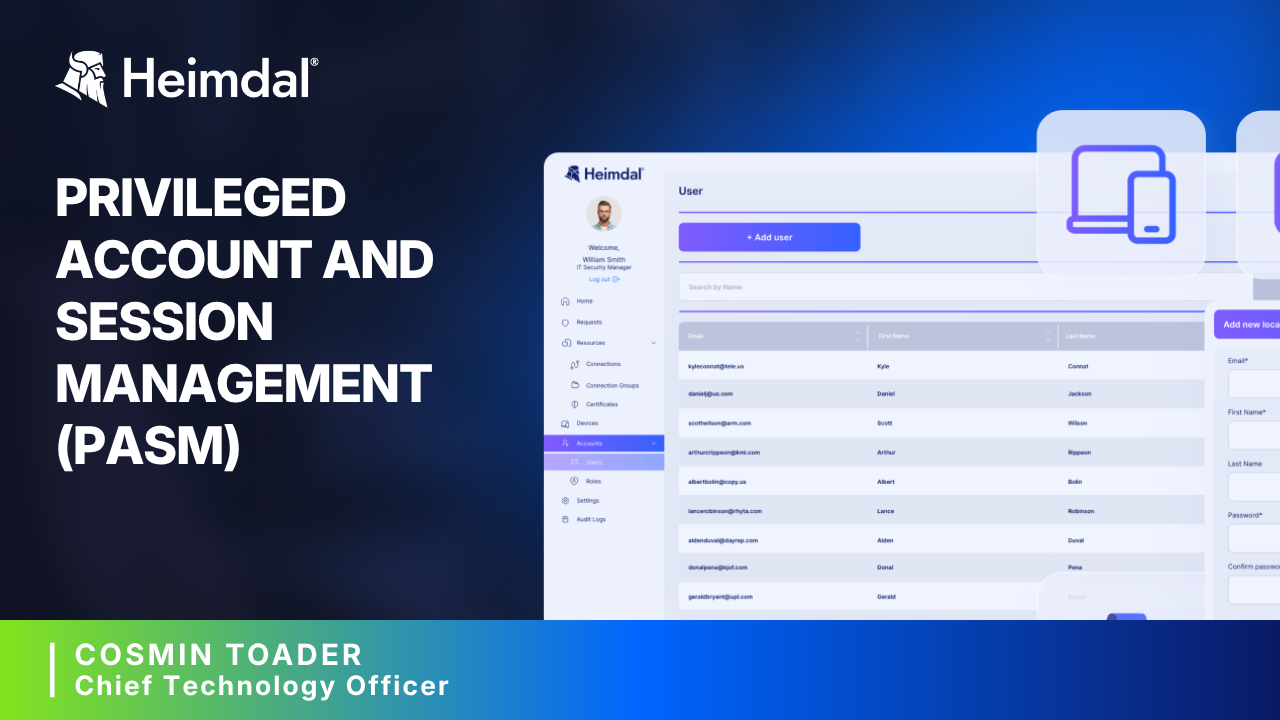
Heimdal’s CTO, Cosmin Toader, explains how the Privileged Account and Session Management (PASM) module works, from securing remote connections, to session tracking, and enforcing just-in-time access.
Discover the modules of our EDR platform: Endpoint Detection, with its XTP engine, NextGen Antivirus and Firewall Manager, Patch Management, DNS Security, and Privilege Elevation and Delegation Management. Use them together, for maximum impact, or make your own mix of tools.
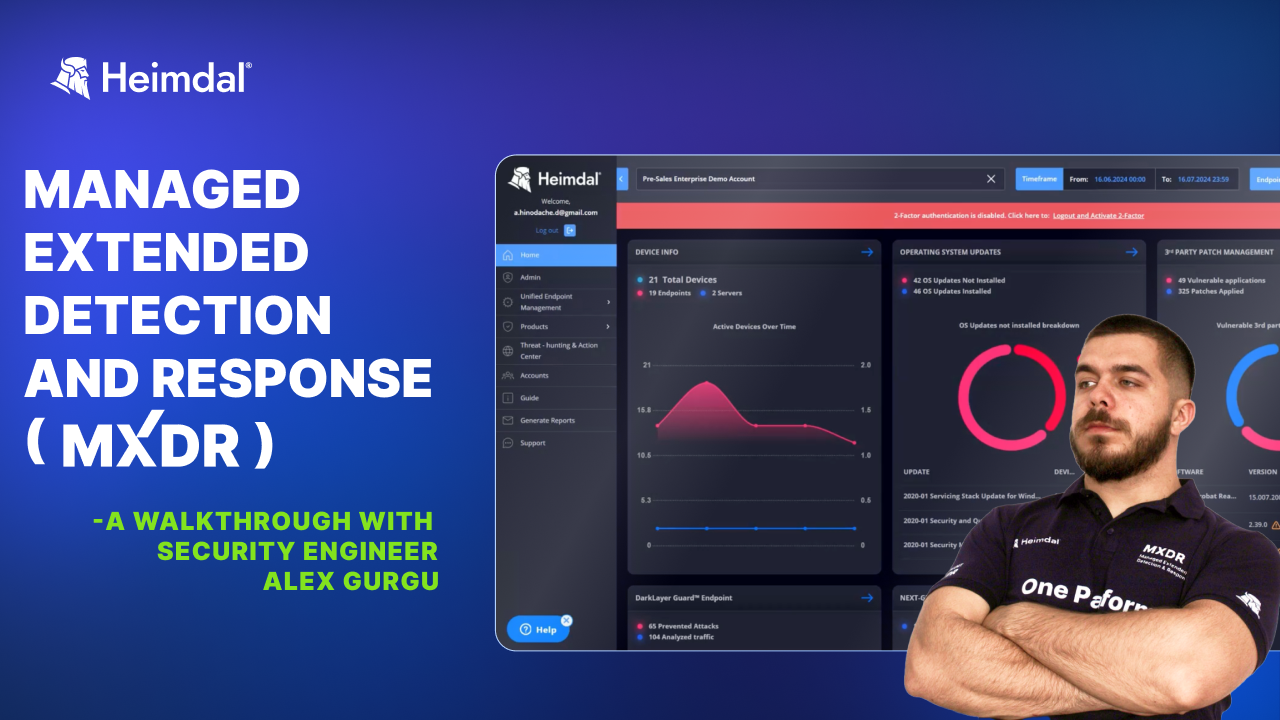
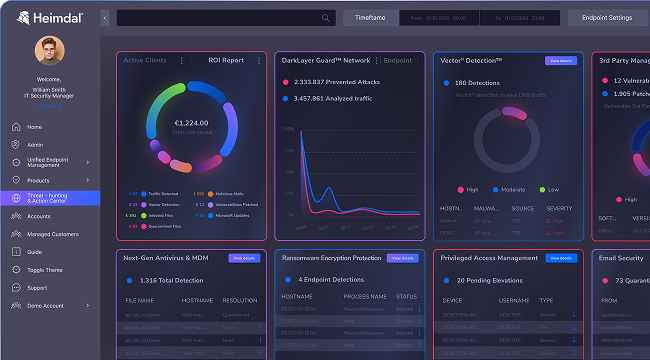
Get an inside look at how our SOC team uses the XDR dashboard to monitor endpoints, detect threats, respond to incidents, and manage vulnerabilities on Windows, Linux, and MacOS. Learn insights on the modules: DNS security, Firewall, Endpoint detection, Ransomware Encryption Protection, Patch Management.
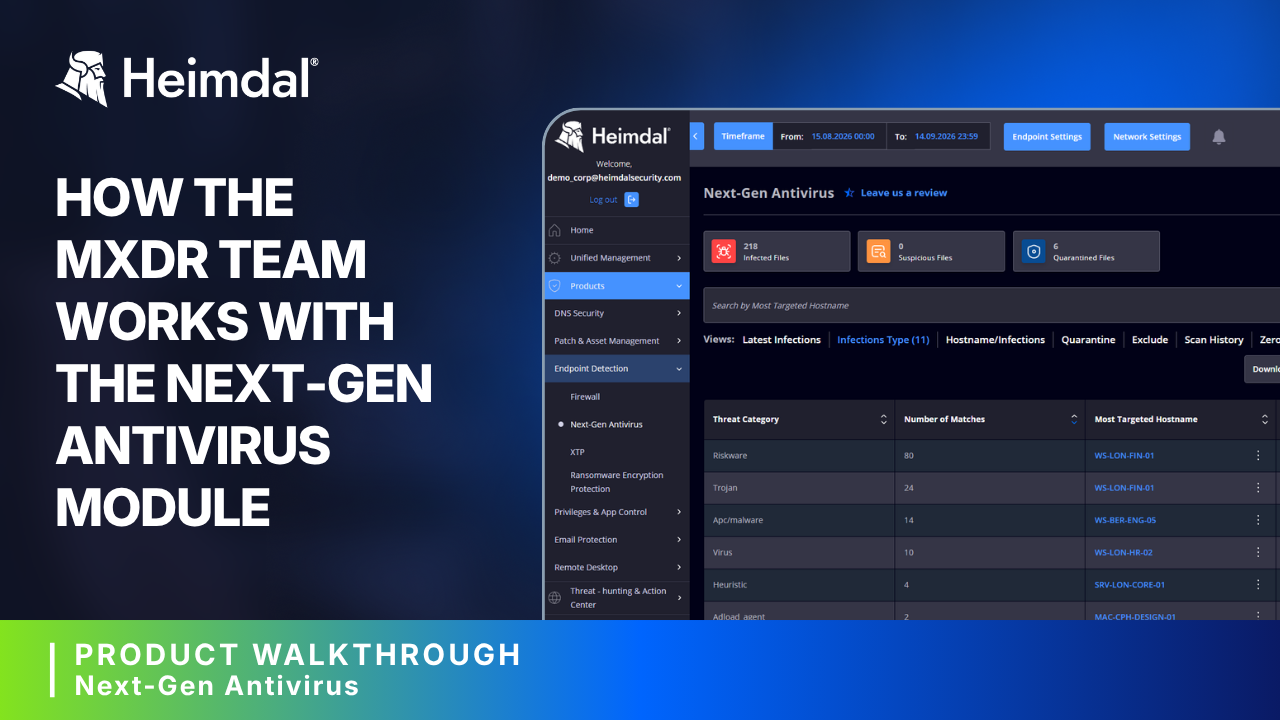
See how our security engineers work with the Next-Gen Antivirus module. Learn how they address alerts, how the XTP engine works, and what happens when malware is confirmed.
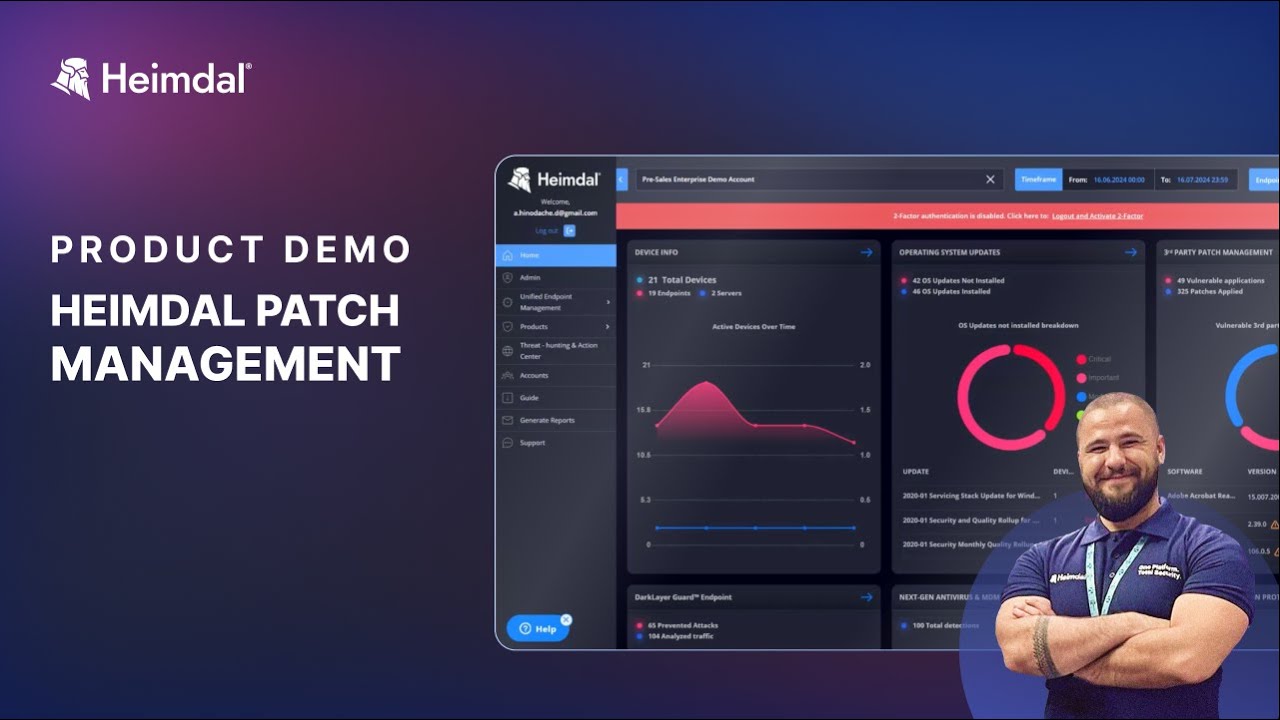
See how the Patch and Asset Management module works from 3rd-party updates, to asset inventory, custom patching, OS updates, and compliance reporting.
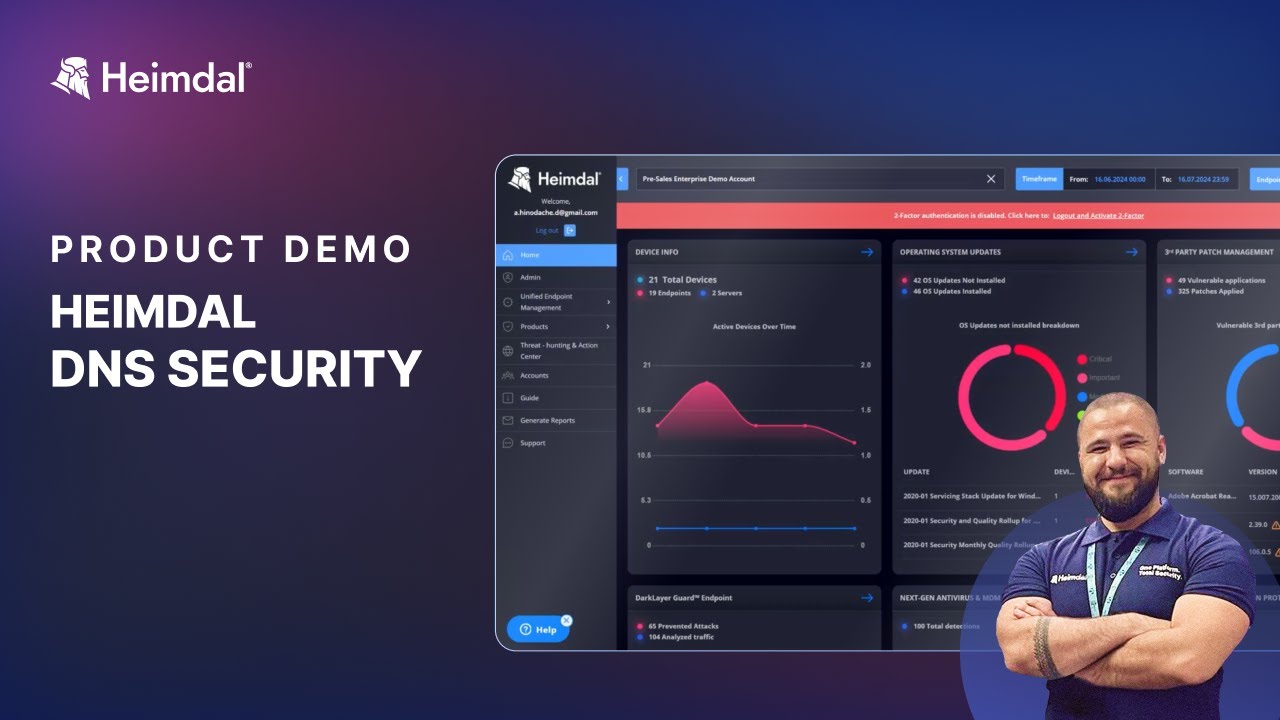
Discover how Heimdal's DNS Security acts as a proactive shield, filtering cyber threats before they reach your system and complementing traditional antivirus solutions.
Step-by-step tutorials to help you get the most out of every Heimdal product.
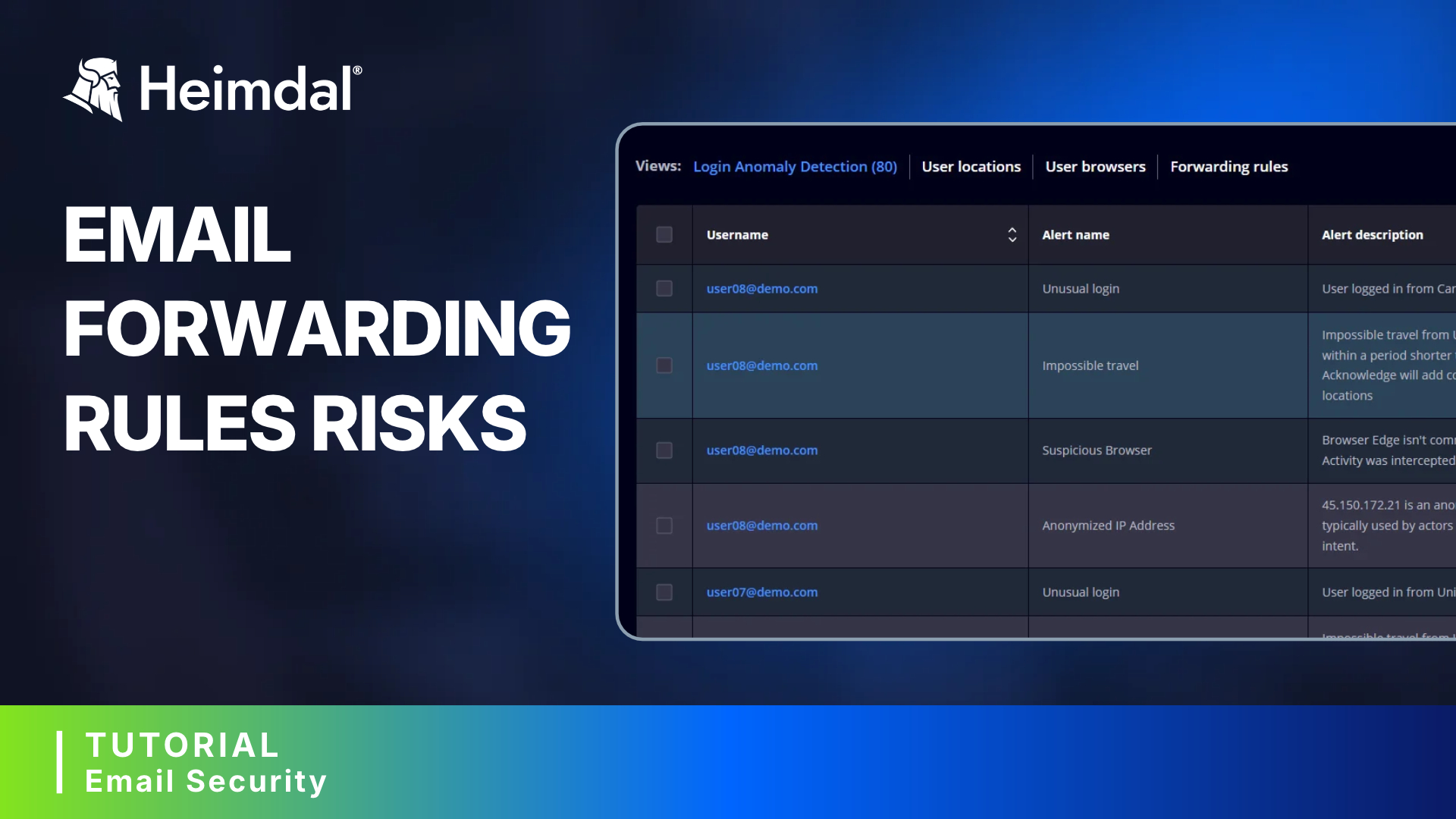
See how Heimdal’s Email Forwarding Rule Detection supports you to uncover malicious forwarding rules, gain full visibility into affected users, and take immediate remediation actions. Use this powerful identity threat detection and response feature of the Email Security module to stay in control of your inboxes.
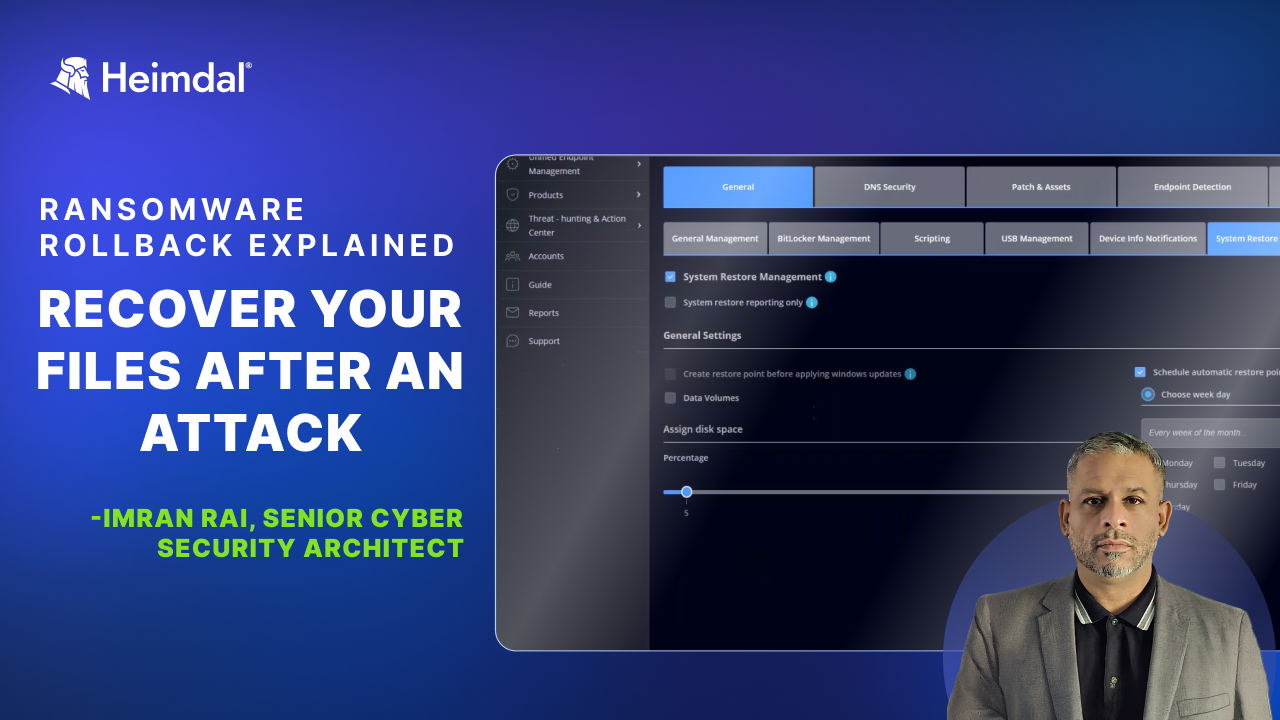
Ransomware Rollback is supported by Heimdal’s System Restore Management option and enables you to undo damage by restoring endpoints to a safe state before encryption occurred. It helps you recover quickly and effectively in case ransomware bypasses defenses.
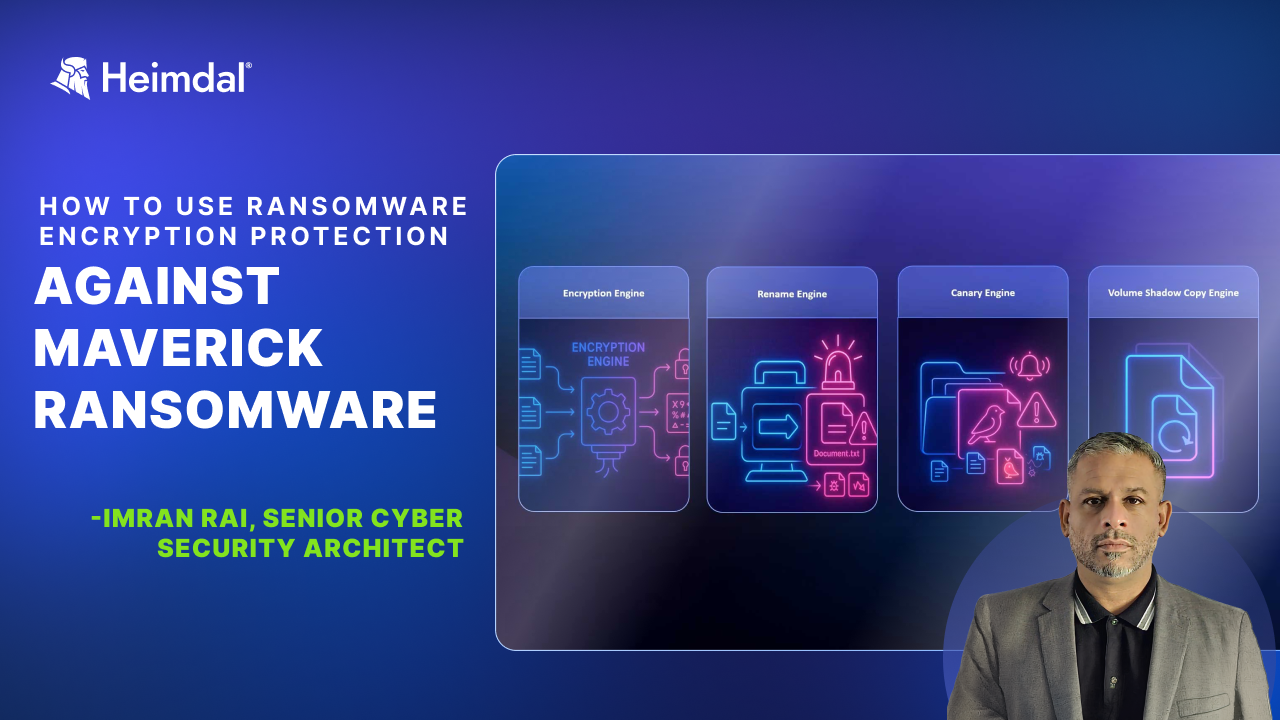
In this video, Senior Cyber Security Architect Imran Rai explains how REP defends your endpoints against Maverick ransomware using its four advanced engines: Encryption, Rename, Volume Shadow Copy Protection, Canary.
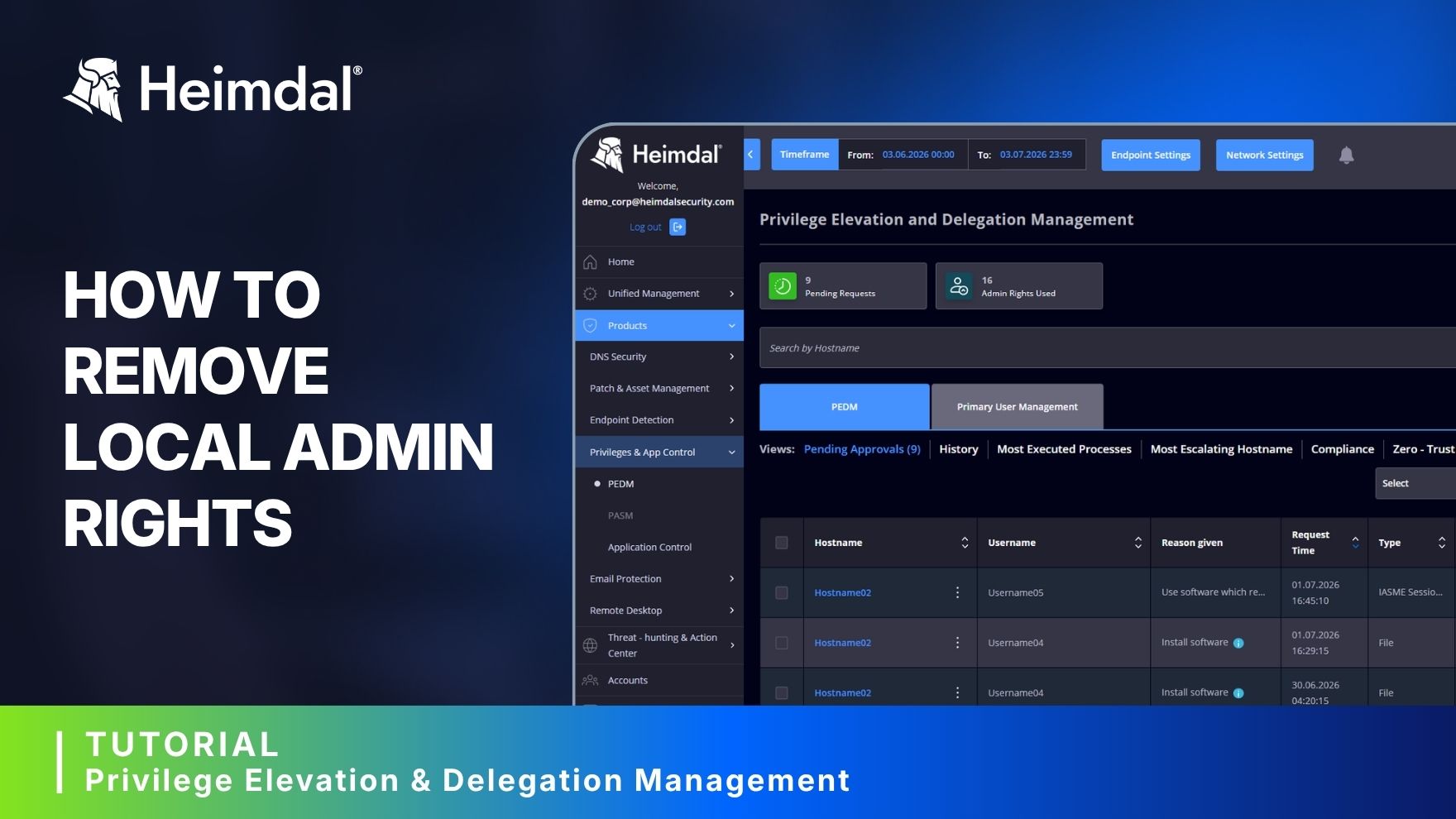
Pre-Sales Engineer Christian Eilskov explains how to revoke all local admin rights with only a few clicks.
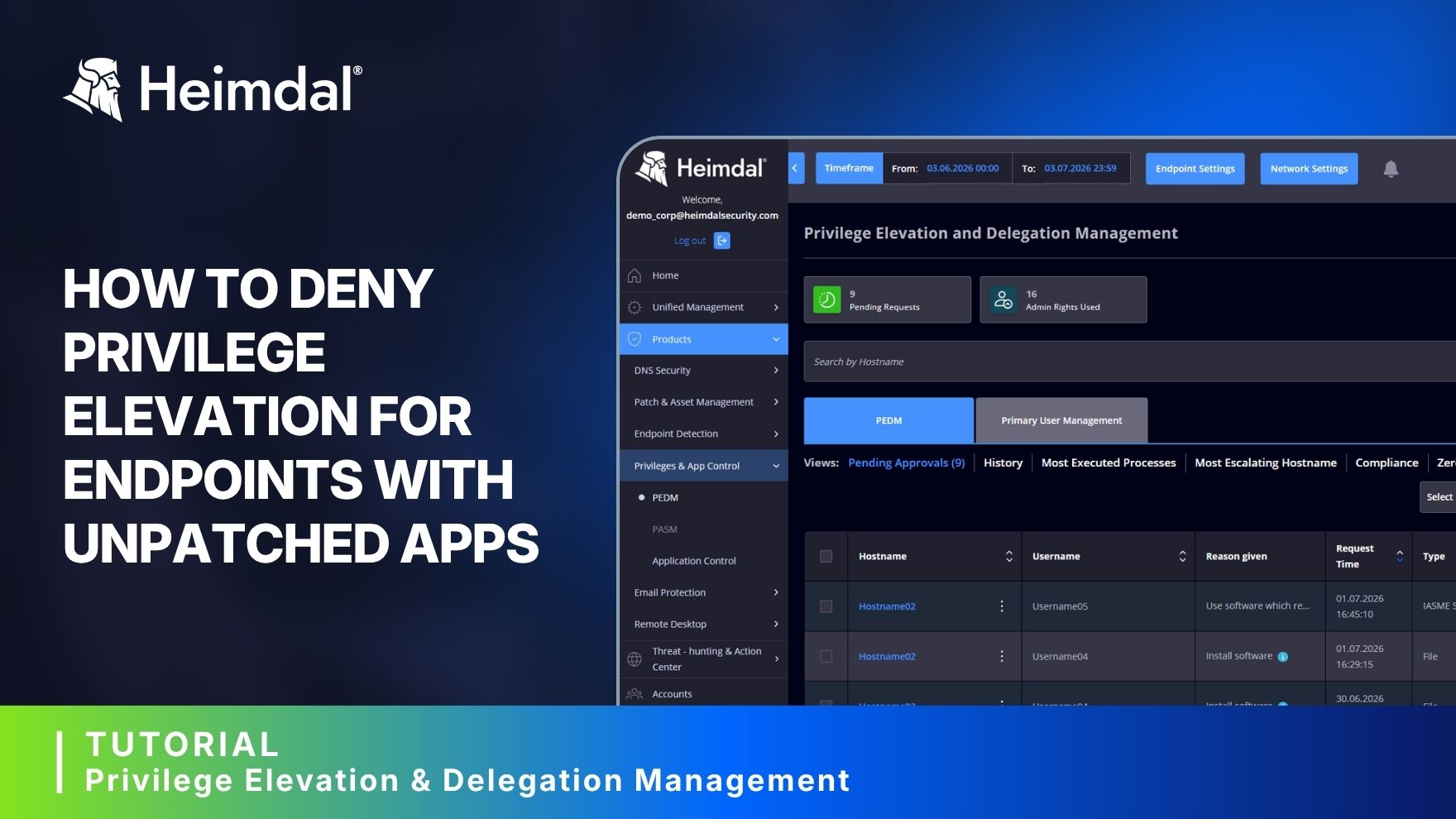
Learn how to prevent elevation requests from devices with unpatched vulnerabilities through Heimdal's PEDM
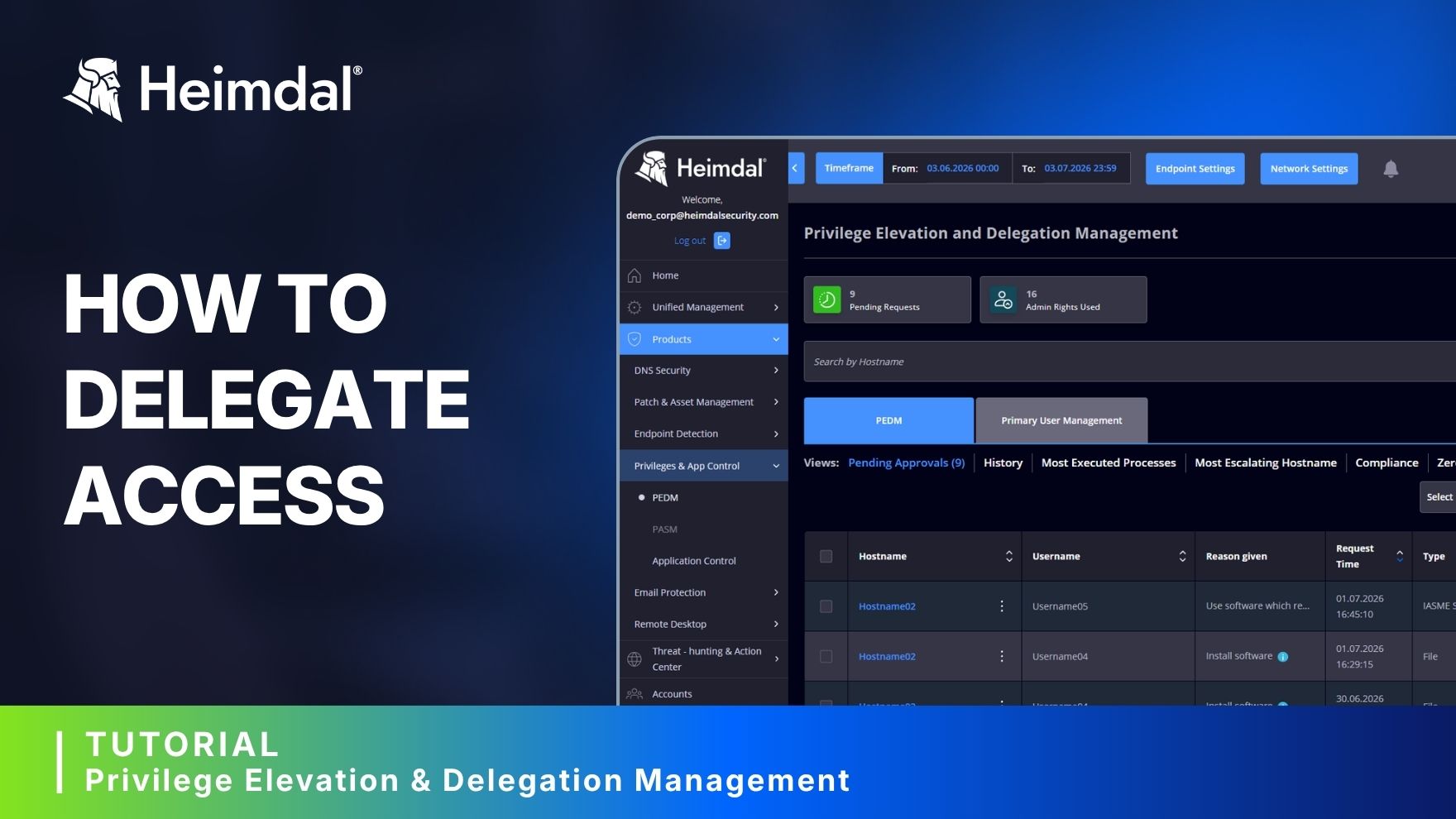
Watch this shortcut to delegating access through Heimdal's Privilege Elevation and Delegation Management tool.
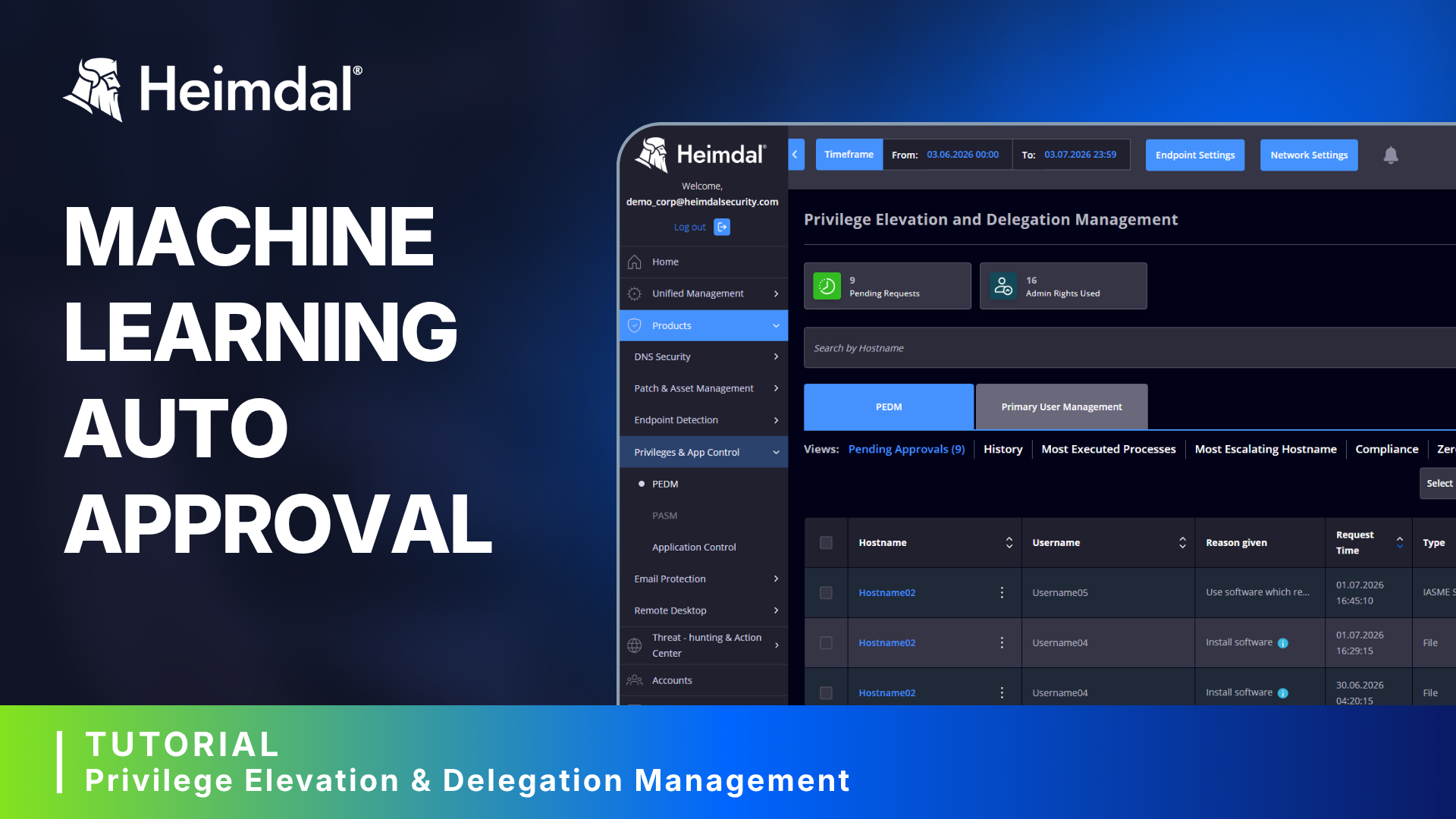
Heimdal's PEDM has an auto mode option for elevation that also works offline. Learn more about how to quickly switch between Auto Mode and Approval via Dashboard from Pre-Sales Engineer Christian Eilskov.
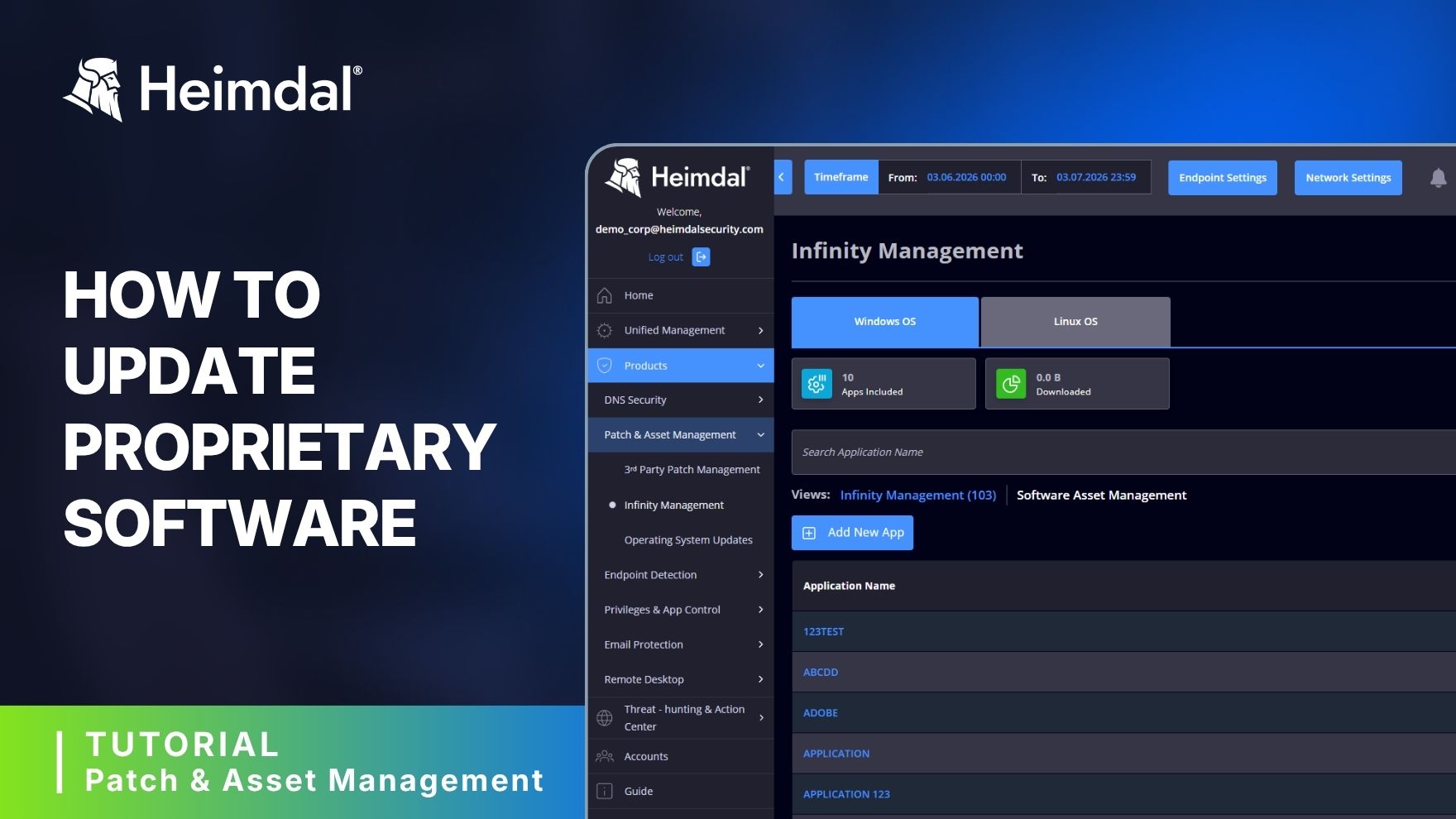
Here's how to patch proprietary software with Heimdal. If any of the software you use is not on our 350+ apps list, you can use the Infinity Management add-on. With this add-on you can automate patching for proprietary or third-party apps using command-line scripting.
Learn how to track missing patches on your devices with Heimdal's Currently Outdated view feature in the Patch Management module. It offers better visibility on software that, for various reasons, remained unpatched.
Patching in Rings gives users more control over how updates are rolled out. Cybersecurity advisor Adam Pilton explains how to use it for both 3rd Party Patch Management and Windows OS Updates. The Patching in Rings feature is available in Heimdal 5.5.1 PROD.
Hear from real customers about how Heimdal strengthens their cybersecurity posture.
Millions of threats blocked, effective ransomware encryption protection, and detailed reporting – these are the top 3 reasons why Chris Maddocks, IT Manager at Park Community School, kept using Heimdal for the past 5 years. In his own words, “It just works as expected”.
After more than a year of using Heimdal's MXDR, Martin Robinson shares his experience with it. Watch this testimonial and learn what an MSP thinks about the tools in the stack and the SOC team that comes along it.
Fern Ritchie shares how Heimdal became their extended SOC, helping them manage alerts, handle threats, and build a true security process without needing to scale their internal team.
Leigh shares insights into their collaboration with Heimdal and how its patch management solution and MXDR service helped him gain time, find new clients, and secure existing ones.
For Charles Greig, IT Director at Oxford Learning Partnership, endless alerts and sleepless nights used to be part of the job. Now, with a SOC team watching over his infrastructure 24/7, Charles can finally focus on what truly matters.
Martin Robinson, Founder and Director at Adoptive Technologies just said it again. Watch his testimonial to find out why this MSP thinks Heimdal is a good choice for patch management.
James Reed, Technical Director at iTeam Solutions shares their journey to Heimdal from other vendors and the impact that Heimdal's Patch and Asset Management module had.
Northumbria Health Trust (an NHS Foundation Trust) explains how and why DNS security is important. They also give details about recent incidents, and how @Heimdalcompany protects against similar cyber attacks.
Want to know how Heimdal works in your own environment?
Get in contact with our sales team for a custom demo.