Om
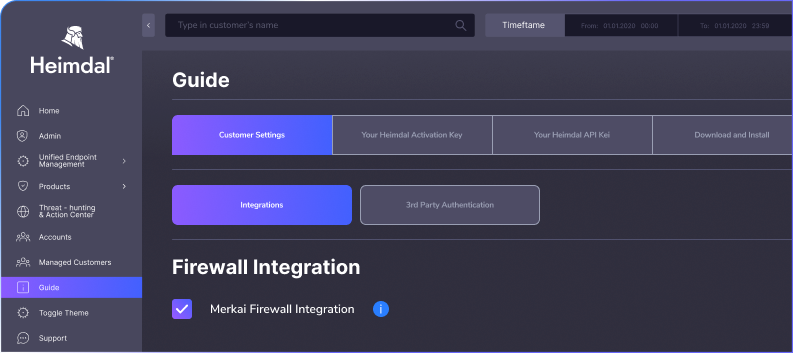
Meraki firewall alerts often remain confined to the Cisco Meraki console, creating noise and forcing analysts to switch tools to understand what actually matters.
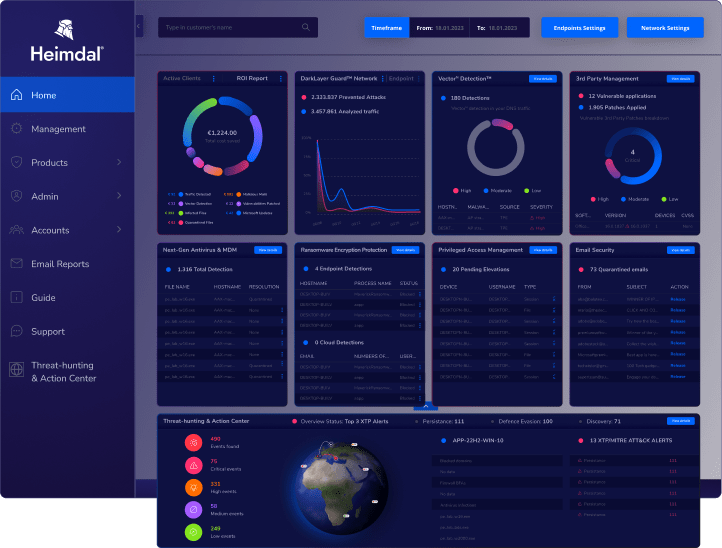
With Heimdal 5.2.0, these alerts are ingested directly into Threat-hunting and Action Center (TAC), where they appear alongside endpoint telemetry and other security signals.
This transforms raw Meraki alerts into actionable, tunable, and auditable XDR signals that can be investigated and managed from a single platform.
Funktioner
External Firewall tab in TAC Overview
Displays Meraki devices on an interactive globe with clustered alerts to provide quick visibility into firewall activity across networks.
Firewall Integrations tab in TAC Action Center
Lists Meraki alerts with detailed context including device or source IP, network, attack type, alert details, original priority, and timestamps.
External Firewall Exclusions
Enables rule-based tuning using source IP, destination IP, device name, attack type, or combinations such as source IP + attack type.
Exclusion expiration dates
Allows each exclusion to include an optional expiration date; once expired, the rule becomes inactive but remains visible to preserve the audit trail.
Exportable exclusion lists
Allows firewall exclusions to be exported to CSV or Excel for operational review, reporting, or documentation.
MXDR permission controls
Provides toggles that allow partners to decide whether MXDR analysts are permitted to act on firewall alerts and create exclusions.
Fordele
Turn Meraki alerts into actionable XDR signals inside TAC
Investigate firewall and endpoint activity from one console.
View firewall telemetry with full investigation context.
Tune alerts with granular exclusions while preserving visibility.
Use time-bound exclusions to prevent long-term blind spots.
Control firewall alert handling with MXDR permissions.


 Network Security


 Privileged Access Management